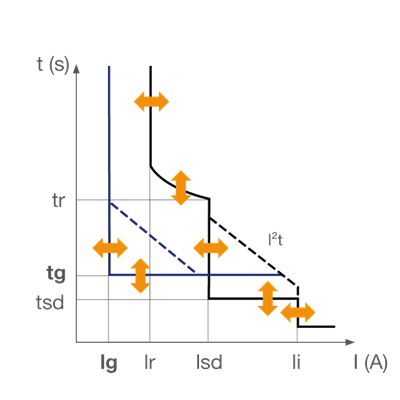
Informații tehnice
MCCB h3+
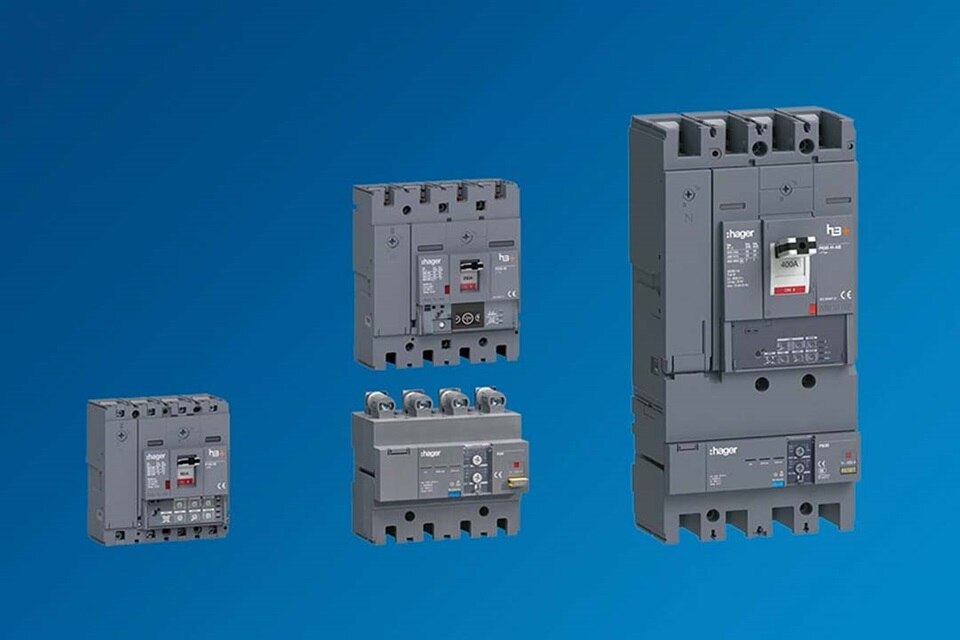
200+ variante disponibile
Gama h3+ este disponibilă în dimensiuni compacte, de la 25 la 630 A, în variante cu 3 sau 4 poli, oferind protecție fiabilă și o capacitate de rupere de până la 110 kA. De la versiunea standard până la soluțiile inteligente conectate, h3+ răspunde unei game variate de aplicații.
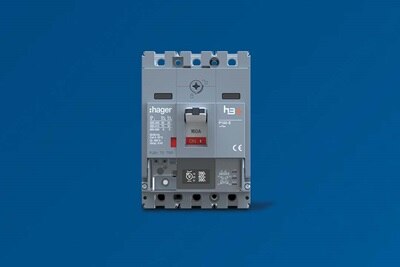
P160
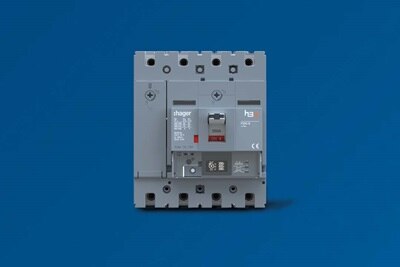
P250
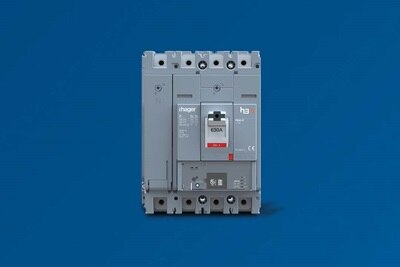
P630
-
Breakers
-
TMTMMAGMAGLSnILSnILSILSILSIEnergyEnergyEnergy
-
P160P250P160P250P160P250P160P250P630P160P250P630
-
Breaking capacity25, 50 or 70kA25, 50 or 70kA50 or 70kA50 or 70kA50 or 70kA50 or 70kA50 or 70kA50 or 70kA40, 50, 70, 110kA50 or 70kA50 or 70kA40, 50, 70, 110kA
-
Ratings25 -160 A50 - 250 A25 -160 A100 - 250 A40 - 160 A40 - 250 A40 - 160 A40 - 250 A250 - 630 A40 - 160 A40 - 250 A250 - 630 A
-
No. of poles (P) & trip units (D)3P3D or 4P4D (N: 0 -100%)3P3D or 4P4D (N: 0 -100%)3P3D or 4P4D3P3D or 4P4D3P3D or 4P4D (N: 0, 50 or 100%)3P3D or 4P4D ( N: 0, 50 or 100%)3P3D or 4P4D (N: 0, 50 or 100%)3P3D or 4P4D (N: 0, 50 or 100%)3P3D or 4P4D (N: 0, 50 or 100%)3P3D or 4P4D (N: 0, 50 or 100%)3P3D or 4P4D (N: 0, 50 or 100%)3P3D or 4P4D (N: 0, 50 or 100%)
-
RCD add-on blockNoYesNoYesNoYesNoYesYesNoYesYes
-
Configuration toolYesYesYes
-
Panel displayYesYesYes
-
Communicating versionYesYesYes
Fiabilitate extinsă prin protecție electronică
TM, MAG, LSnI, LSI și Energy: cinci versiuni ale unităților de declanșare concepute pentru protecția eficientă a instalațiilor și optimizarea costurilor tablourilor electrice. Dezvoltată pentru profesioniști, gama de întreruptoare automate compacte h3+ răspunde cerințelor actuale de instalare. Compactă și ergonomică, gama h3+ se integrează ușor în tablourile electrice, iar punerea în funcțiune și cablarea rapidă contribuie la reducerea timpului de instalare.
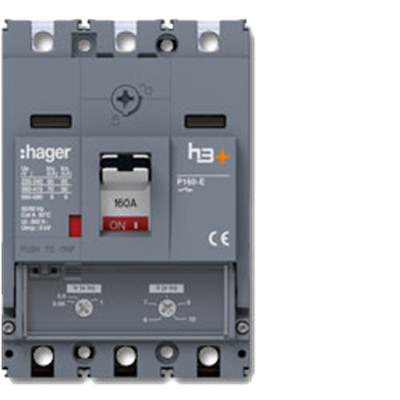
TM
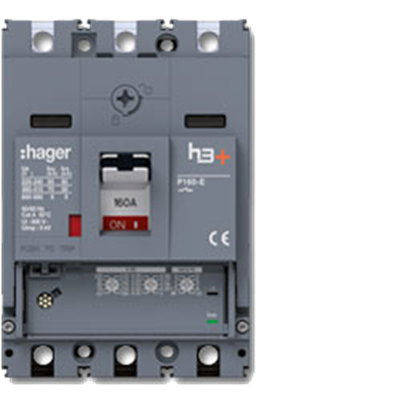
Lsnl
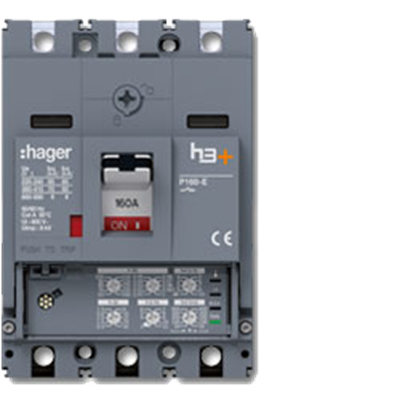
LSI
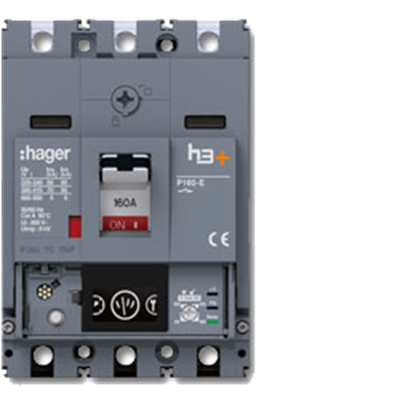
Energy
-
TMLSnILSIEnergy
-
01 Captive screw for front cover- Quick and easy to open with ¼-turn Rotation screw - No mix-ups of front covers as fitted on hinges and remain on the MCCB when opened- Quick and easy to open with ¼-turn Rotation screw - No mix-ups of front covers as fitted on hinges and remain on the MCCB when opened- Quick and easy to open with ¼-turn Rotation screw - No mix-ups of front covers as fitted on hinges and remain on the MCCB when opened- Quick and easy to open with ¼-turn Rotation screw - No mix-ups of front covers as fitted on hinges and remain on the MCCB when opened
-
02 Viewing window for auxiliary contact- Auxiliary contacts are clearly identifiable without needing to open the front cover. Quick and simple visual checks- Auxiliary contacts are clearly identifiable without needing to open the front cover. Quick and simple visual checks- Auxiliary contacts are clearly identifiable without needing to open the front cover. Quick and simple visual checks- Auxiliary contacts are clearly identifiable without needing to open the front cover. Quick and simple visual checks
-
03 Locking the MCCB- The padlockable toggle available as standard to lock the MCCB in ON or OFF position. (shackle diamater max.4 mm). Locking accessorties to extend locking to 3 padlocks available as an option.- The padlockable toggle available as standard to lock the MCCB in ON or OFF position. (shackle diamater max.4 mm). Locking accessorties to extend locking to 3 padlocks available as an option.- The padlockable toggle available as standard to lock the MCCB in ON or OFF position. (shackle diamater max.4 mm). Locking accessorties to extend locking to 3 padlocks available as an option.- The padlockable toggle available as standard to lock the MCCB in ON or OFF position. (shackle diamater max.4 mm). Locking accessorties to extend locking to 3 padlocks available as an option.
-
04 Integrated pre-alarmExports imminent cut-off if definable percentage of lr is reacher. Increases system availability.Exports imminent cut-off if definable percentage of lr is reacher. Increases system availability.
-
05 Interface to configuration tool
Configuration of the circuit breaker via tablet or computer. Status display and test of tripping curve for system documentation.Configuration of the circuit breaker via tablet or computer. Status display and test of tripping curve for system documentation.Configuration of the circuit breaker via tablet or computer. Status display and test of tripping curve for system documentation. -
06 Measurement displayMeasurements: : I, U, P, Q, S, E, ∑I, ∑P, f, PF, THD, etc. Rotating OLED display with ecellent readability in all levels of ambient lighting. Class 1 accuracy for active powers and energy metering
-
07 Interface to configuration toolConfiguration of the circuit breaker via tablet. Status display and test of trigger curve for system documentation
-
08 Option for connecting to panel display for door installationConfiguration of circuit breaker via external panel display. Status and measurement Display
-
Flexibilitate în reglarea protecțiilor
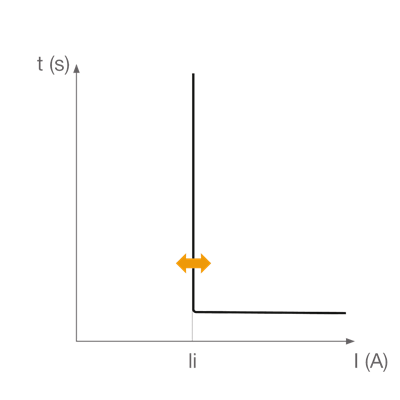
TM
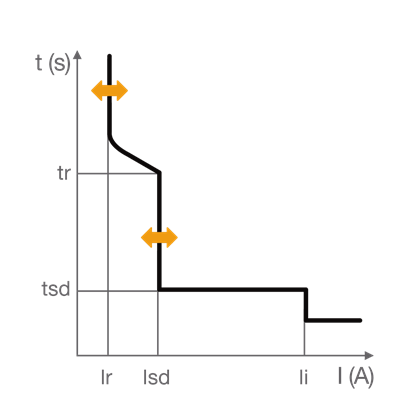
Lsnl
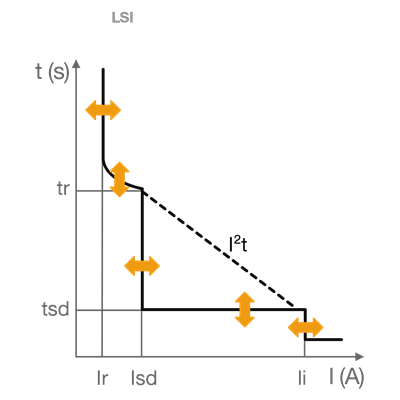
LSI