
BIM
Building Information Modelling
BIM objects for your software
Available
BIM objects
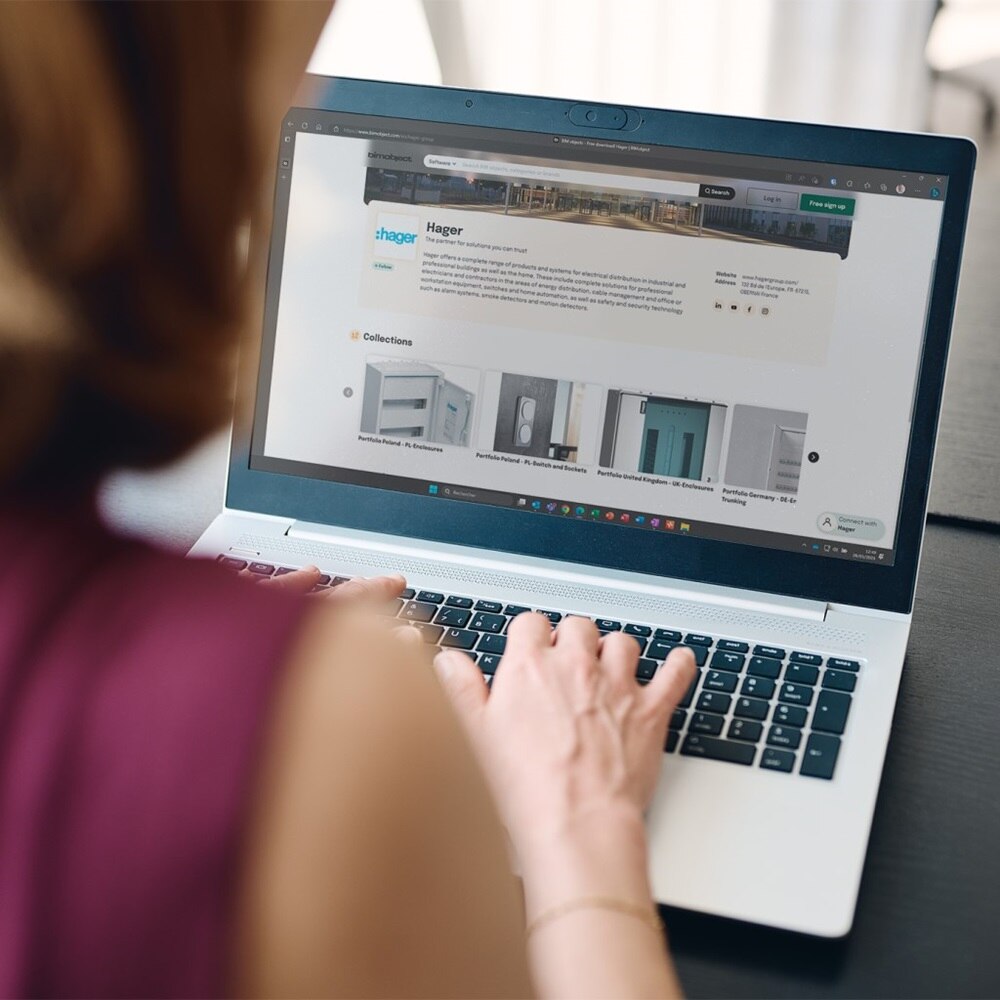
Download BIM objects
Our main goal is to facilitate your daily work! To support you, we can provide free digital BIM objects of our solutions in our download centre, along with technical specifications, certificates, PEP, REACH, ROHs, user manuals and more.
Search and download
Browse our products to download BIM files

FAQs
-
What are the benefits of logging into Hager Ready?
If you're logged into Hager Ready with your myHager account, you will be able to create an unlimited number of projects, save your projects in the cloud so that they are retrievable on all of your devices, and view and download an unlimited number of documentation. What's more, is that creating an account is completely free!
-
How can I print documents directly from my mobile device?
If you want to print documents directly from your smartphone or tablet, you’ll need a printer with Wi-Fi or Bluetooth connection. Once Hager Ready has created the PDF of the documentation, it will open in an app, such as Acrobat Reader. In the app, go to the menu item "Print" and select the printer connected to your end device.
-
How do I print labels in the right formatting for my board?
Go to print settings and select "Actual Size" or "Magnification 100%".
-
How can I share a project with my co-workers?
Open a project, select team members in the section Share (last section) click on ’Add a colleague.’ You can create a new one or select in the list of recently added. -
How do I add my company logo to all documentation from my projects?
You can add a photo from your gallery (a photo saved on your phone):
Click on Project and select the "Settings" icon from the top left corner of the screen. Behind the My Company Profile click on "Add my logo".
You logo will now be visible on all documentation including your labels.
-
What are BIM Levels?
The concept of ‘BIM Levels’ (and ‘BIM Level 2 compliance’) has become the ‘accepted’ definition of what criteria are required to be deemed BIM-compliant, by seeing the adoption process as the next steps in a journey that has taken the industry from the drawing board to the computer and, ultimately, into the digital age.
The government has recognised that the process of moving the construction industry to ‘full’ collaborative working will be progressive, with distinct and recognisable milestones being defined within that process, in the form of ‘levels’. These have been defined within a range from 0 to 3, and, whilst there is some debate about the exact meaning of each level, the broad concept is as follows:
Level 0 BIMIn its simplest form, level 0 effectively means no collaboration. 2D CAD drafting only is utilised, mainly for Production Information (RIBA Plan of Work 2013 stage 4). Output and distribution is via paper or electronic prints, or a mixture of both. The majority of the industry is already well ahead of this now (source: NBS National BIM Report 2014).
Level 1 BIM
This is the level at which many organisations are currently operating. This typically comprises a mixture of 3D CAD for concept work, and 2D for drafting of statutory approval documentation and Production Information. CAD standards are managed to BS 1192:2007, and electronic sharing of data is carried out from a common data environment (CDE), often managed by the contractor. Models are not shared between project team members.
Level 2 BIM
This is distinguished by collaborative working – all parties use their own 3D CAD models, but not necessarily working on a single, shared model. The collaboration comes in the form of how the information is exchanged between different parties – and is the crucial aspect of this level. Design information is shared through a common file format, which enables any organisation to be able to combine that data with their own in order to make a federated BIM model, and to carry out interrogative checks on it. Hence any CAD software that each party used must be capable of exporting to one of the common file formats such as IFC (Industry Foundation Class) or COBie (Construction Operations Building Information Exchange). This is the method of working that has been set as a minimum target by the UK government for all work on public-sector work, by 2016.”
-
How do I download BIM files?
To download the files, go to our products section and search for the product you require. BIM files are located just below product technical information.
Our BIM objects are updated on a regular basis, however if you cannot find what you are looking for, please contact us. One of our team will then contact you to discuss your request.