
Discover
domovea

For a smarter, more connected home

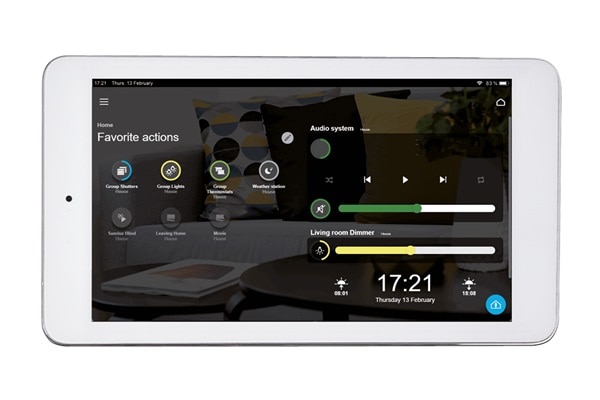
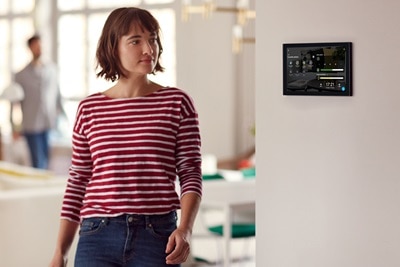
Welcome to the smart home solution that enhances comfort, security, and easy device connectivity.
hager-sitecore-solution-page-domovea-eol-installer-1-TJAS471-lan

Here’s how domovea
simplifies work and saves you time:

hager-sitecore-solution-page-domovea-eol-installer-2-installation-lan

Easy installation and configuration

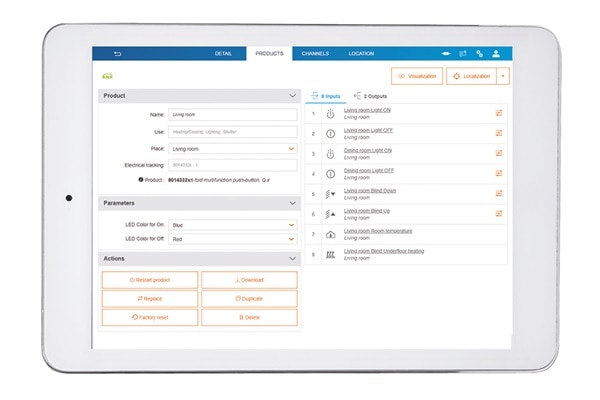
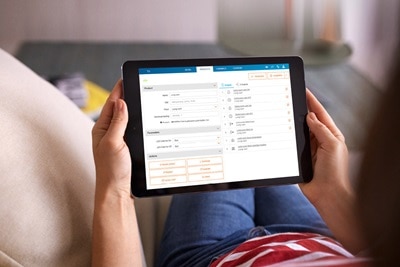
Hager Pilot and the 'easy tool' simplify configuration with automatic synchronization and intuitive visual settings.

hager-sitecore-solution-page-domovea-eol-installer-3-time-savings-lan

Time-savings

Remote maintenance is possible via the IP connection and cloud using Hager Pilot.

hager-sitecore-solution-page-domovea-eol-installer-4-complete-solution-lan

A complete solution

From home automation to IoT devices to meet all your customer’s needs.


NEW!
domovea and Matter,
the perfect combination!

The Matter Bridge feature makes it easier than ever to connect IoT devices across ecosystems like Apple Watch, Apple HomeKit, Google Home, Samsung, and voice assistants for perfect home control.
hager-sitecore-solution-page-domovea-eol-installer-5-matter-sqr

hager-sitecore-solution-page-domovea-eol-installer-6-FYI-uwl-short-3

Important notice for domovea
(TJA 450 and 451) users!

domovea will shut down end-December 2025. Its cloud service (References TJA 450 & TJA 451) are obsolete, and users will no longer be able to control their home automation systems remotely or download the app anymore. To ensure a smooth transition and provide the best possible home automation experience,​ we recommend you migrate from domovea (TJA 450 and 451) 
to domovea plus (TJAS 471).​


​Migrate their devices to domovea plus (TJAS 471), using the resources provided below.​ ​


Dive into
the details

Find all you need to know about moving from domovea (TJA 450 and 451) to domovea plus (TJAS 471) and the benefits you’ll enjoy:

  • Migrate from domovea to domovea plus

    Final step-by-step instructions here
  • Features comparison:  domovea vs domovea plus

    Find a full overview of features here

FAQ

Find here most important questions relevant to domovea and domovea expert

  • Can I migrate my customers from domovea (TJA 450 and 451) to domovea expert (TJAS 471)? How?

    Yes, you can export settings from domovea (TJA 450 and 451) and use them to set up domovea plus (TJAS 471). 
However, certain features like sequences and profiles may require special attention during the migration to ensure a smooth transition.
  • How do I obtain the configuration file from domovea (TJA 450 and 451)?

    In the domovea configuration tool software, navigate to General > Data Management > domovea Import/Export to export the configuration file.
  • What are the differences between domovea (TJA 450 and 451) to domovea plus (TJAS 471)?
    domovea plus (TJAS 471) offers enhanced functionalities, including IoT management and remote configuration access.
  • Do I need to redo my KNX installation?
    No, the KNX installation remains unaffected by the update. All existing group addresses will be migrated from domovea (TJA 450 and 451) to domovea plus (TJAS 471), with no changes required to the KNX devices (no updates or downloads necessary).

domovea
basic or plus?

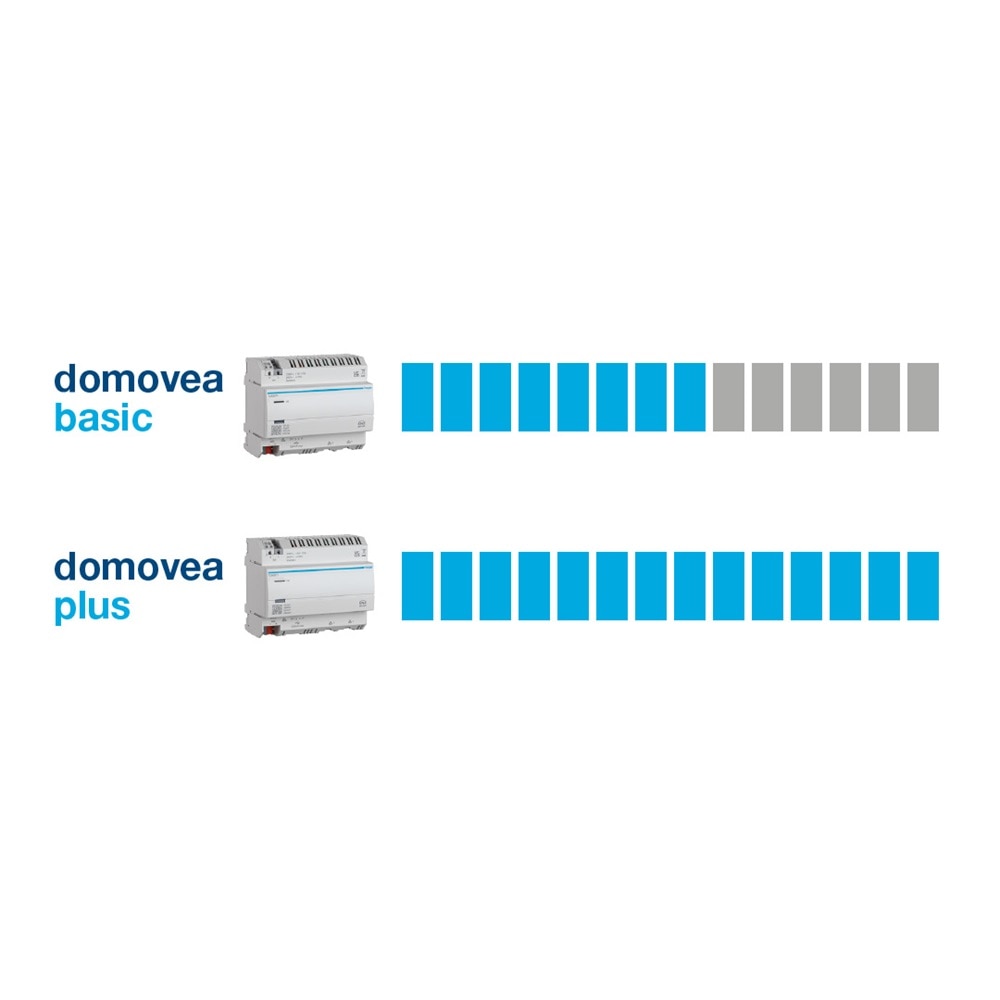
In response to your clients' needs, we offer domovea in two variants​
domovea basic provides all the essential features required for a smart home.​ domovea plus is the ideal solution for more complex and evolving requirements.
hager-sitecore-solution-page-domovea-eol-installer-7-basic-plus-lan


Fast and simple: integrate domovea within the KNX installations

Thanks to domovea, in just a few short steps you can create intelligent building management in both commercial and residential sectors.
hager-sitecore-solution-page-domovea-eol-installer-8-TJAS671-lan

Use and connect domovea

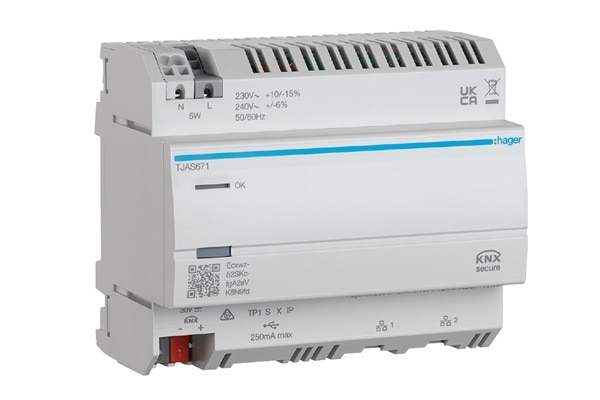
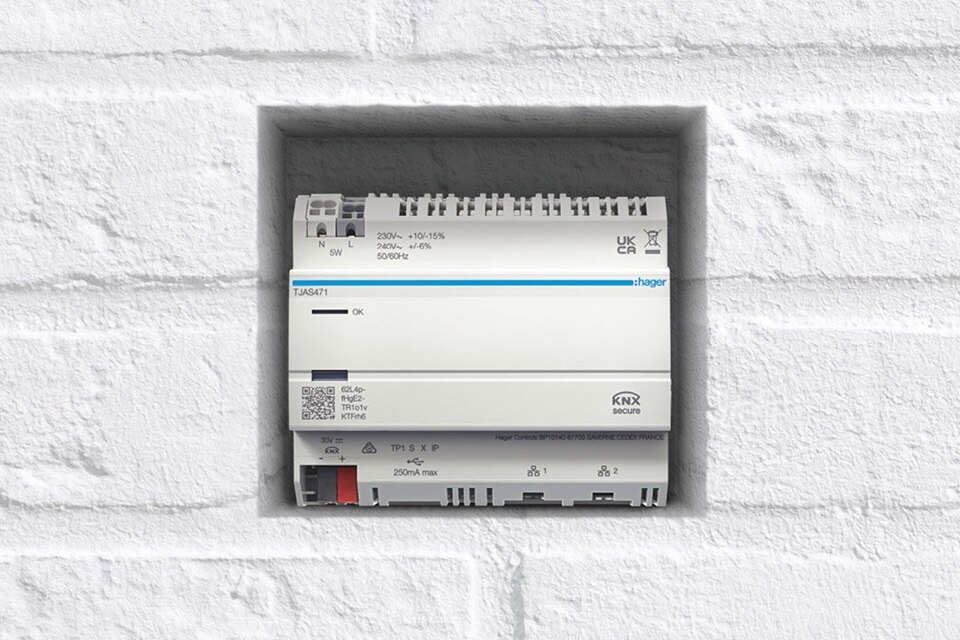
The two components TJAS 671 (domovea basic) and TJAS 471 (domovea plus) only occupy 6 modules, each on the DIN rail.

hager-sitecore-solution-page-domovea-eol-installer-9-comissioning-lan

Commission with Hager Pilot

Hager Pilot is the app or the essential interface that allows you as an installer, not only to configure domovea, but also to transfer it to your client and other users. You can download the app in the Google Play Store or in the App Store.

hager-sitecore-solution-page-domovea-eol-installer-10-configurate-lan

Configurate domovea

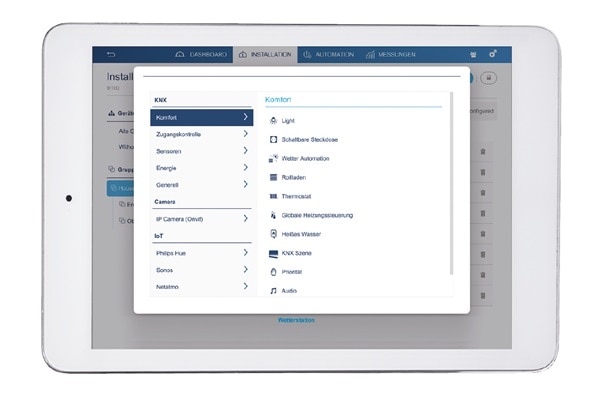
The functions are assigned, commented on, and documented for the room structures. It is possible to establish control logics and create IoT connections. Measured values can be saved and managed.

hager-sitecore-solution-page-domovea-eol-installer-11-Activate-domovea-lan

Activate the application and get started

In the domovea App, you can verify the functionalities and visualisation installed. All you need to do is use your installer’s access.

of


Connected tools

hager-sitecore-solution-page-domovea-eol-installer-12-tool-IOT-lan

IoT Controller

The IoT controller serves as the gateway between the KNX world and smart objects.

hager-sitecore-solution-page-domovea-eol-installer-13-tool-easy-lan

easy

easy simplifies KNX installation configuration and quickly integrates your clients into smart home solutions.


Want to know more and get advice from our specialists?

Descriptive Textarea to enter Text values......Descriptive Textarea to enter Text values......